
Access Control Systems in Kenya: A Buyer’s Guide
Cards, fingerprints, face recognition or mobile access? A practical guide to choosing an access control system that fits your building, your team and your budget.

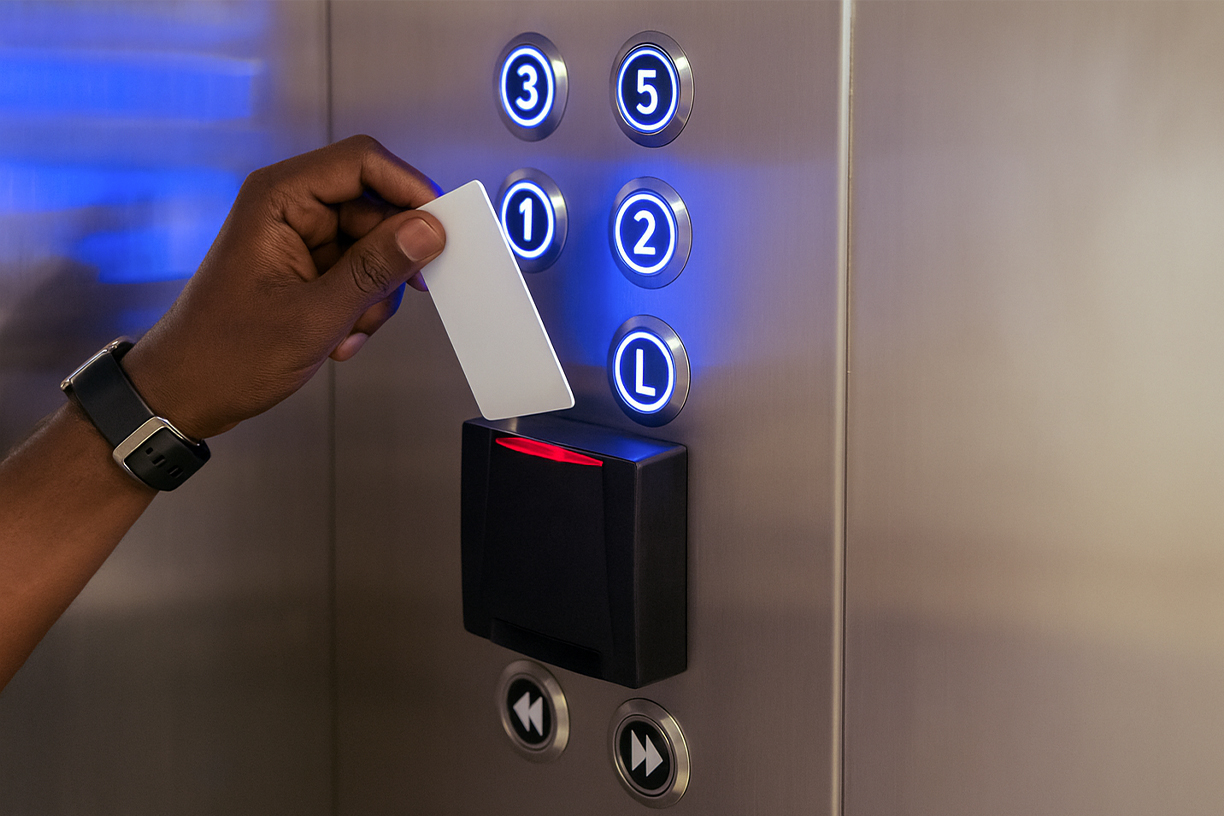
A lost key, a former employee who still has a copy, a storeroom that "everyone" can open. For most businesses in Kenya, keys and padlocks stopped being enough a long time ago. An access control system lets you decide exactly who can enter which door, and when, and keeps a record of every entry.
There are many options, though. This guide walks through the choices so you can pick a system that fits your building, your team and your budget.
What an access control system does
An access control system replaces keys with credentials: a card, a fingerprint, a face or a phone. Each door has a reader and an electronic lock connected to a controller, and software decides who is allowed in.
The real benefits come from the details:
- Control by person, door and time. Cleaners can enter at 6 am, finance staff can enter the finance office, and only IT can open the server room.
- A full audit trail. Every entry and every refused attempt is logged, which makes investigating incidents far easier.
- Instant changes. When someone leaves, you disable their credential in seconds instead of changing locks.
Choosing the right credential
Proximity cards and key fobs are affordable, fast and familiar, which makes them a good fit for offices with many staff and visitors. Their weakness is that cards can be lost or lent to someone else.
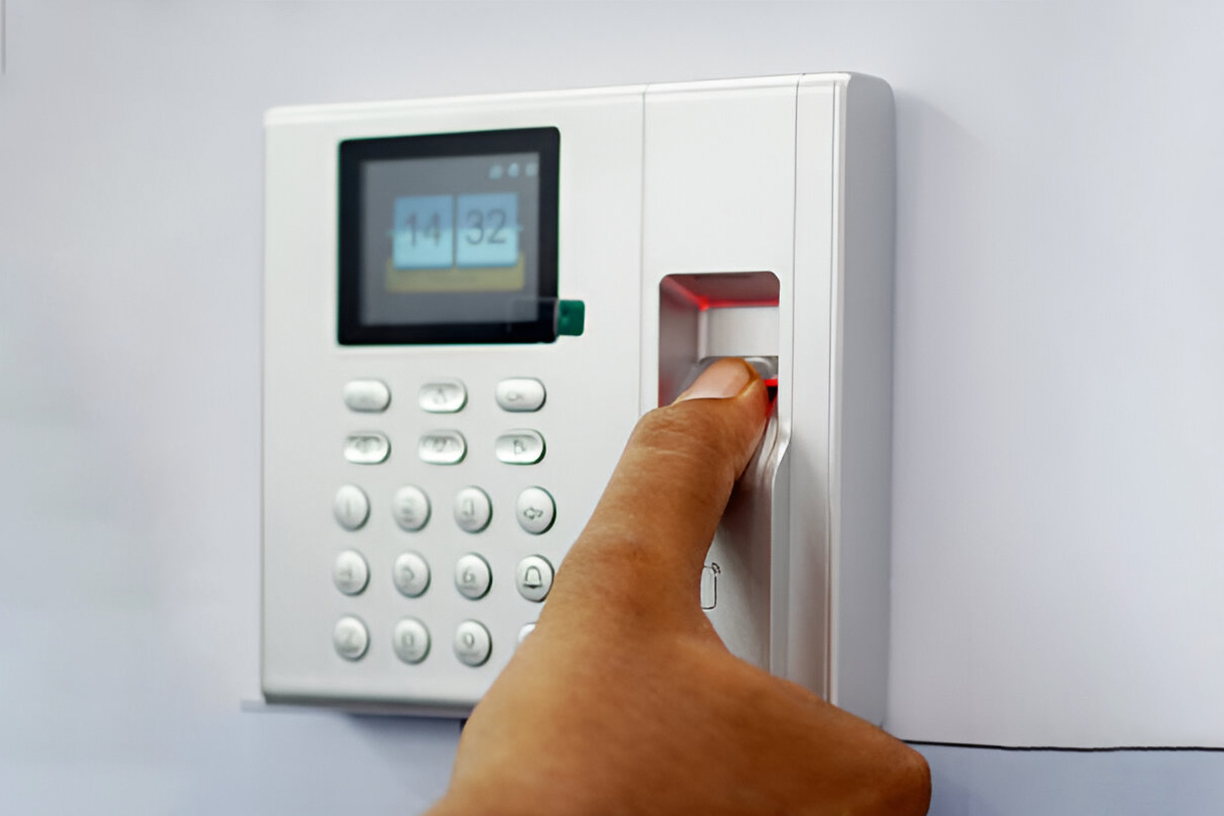
Fingerprint (biometric) readers can't be lent, so they are popular for staff entrances and time and attendance. In dusty or busy areas, choose good-quality readers; cheaper sensors struggle there.
Facial recognition is touch-free and fast. It works well at main entrances and in hygiene-sensitive spaces such as clinics and kitchens, as long as lighting and placement are planned properly.
Mobile access turns a staff member's phone into the key. It suits modern offices and residential properties and is easy to manage remotely.
Two-factor access, such as card plus PIN or card plus fingerprint, adds a second check for server rooms, cash offices and stores.
Most businesses mix credentials: cards for general doors, and card plus fingerprint for high-security rooms.
Five questions to ask before you buy
- How many doors do you have, and how many might you add? Choose a controller and software that can grow, so you don't start over when you expand.
- Who needs access, and when? List your user groups, such as staff, cleaners, contractors and visitors, along with their working hours.
- What happens in a power cut? Ask about backup batteries and how each lock behaves during an outage. Doors on escape routes must always release safely in an emergency.
- Does it need to work with your other systems? Linking access control to CCTV, time attendance, fire alarms or lifts adds a lot of value.
- Who will manage it day to day? Pick software your team can actually use, with clear reports.
Integration is where access control pays off
On its own, access control tells you that a card was used. Integrated with CCTV, it shows you who actually walked through the door. Linked to the fire alarm, doors on escape routes release automatically. Connected to time and attendance, the same fingerprint scan opens the door and records working hours for payroll.
For example, we integrated CCTV and lift access control with Capital Club's members system, so member access and video monitoring are managed from one place. You can see more examples on our projects page.
Don't forget data protection
Access control systems store personal data, and fingerprints and face templates count as sensitive personal data under Kenya's Data Protection Act, 2019. Before installing biometric readers:
- Tell staff what data you collect and why.
- Keep the data secure, with access limited to authorised administrators.
- Delete records you no longer need, such as those of former employees.
A good installer will set the system up with these points in mind.
What affects the cost
Prices vary widely, so be wary of any quote given without a site survey. The main cost drivers are:
- The number of doors, and the type of lock or barrier each one needs: magnetic locks, electric strikes, turnstiles or boom barriers.
- The credential type. Biometric and face recognition readers cost more than card readers.
- Cabling and installation, including the distance between doors and whether cables need to be concealed.
- Software and integration with CCTV, attendance or lifts.
- Maintenance and support after installation.
An itemised quotation that separates equipment, labour and timelines makes it much easier to compare options fairly.
Getting it right the first time
The best access control system is one designed around how your building is actually used. Start with a site survey, agree who needs access where, and plan for the doors you will add later.
Need help choosing? Our engineers offer a free site survey and a tailored, itemised quote. Talk to our team.