Cyber Security for Small Businesses in Kenya: 10 Steps
Phishing, ransomware and weak passwords put small businesses at risk every day. Ten practical, affordable steps to protect your business, your money and your customers.


Many small business owners in Kenya assume cyber criminals only go after banks and big corporations. In reality, smaller businesses are easier targets: they hold customer data and money, but rarely have an IT team watching for attacks. A single phishing email or a reused password can lock you out of your systems, empty an account or leak your customers' details.
The good news is that most attacks can be stopped with simple, affordable habits. These ten steps will protect the majority of small and growing businesses.
1. Use strong, unique passwords
Reused and simple passwords are still the most common way attackers get in. Give every account its own long password, ideally a phrase of three or four random words, and store them in a password manager so nobody has to remember them or write them on sticky notes.
2. Turn on two-step verification
Two-step verification (also called multi-factor authentication) means a stolen password alone isn't enough to get in. Switch it on first for the accounts that matter most:
- Business email
- Online banking and payment platforms
- Cloud storage and accounting software
- Social media pages
Where you can, use an authenticator app rather than SMS codes, which can be intercepted through SIM-swap fraud.
3. Keep software and devices updated
Updates fix the security holes attackers exploit. Turn on automatic updates for computers, phones, routers and business software, and replace devices that no longer receive security updates.
4. Back up your data, and test it
Ransomware can lock every file on your network in minutes. Follow the 3-2-1 rule: keep three copies of important data, on two different types of storage, with one copy kept offline or in the cloud. Then test a restore every few months; a backup you have never restored is only a hope.
5. Train your team to spot scams
Most attacks start with a person, not a computer. Teach staff to pause before they:
- Click links or open attachments in unexpected emails
- Act on "urgent" requests to change supplier bank details
- Trust payment confirmation messages without checking the actual account
- Share one-time codes with anyone, even someone claiming to be from the bank
A five-minute phone call to confirm a payment request is the cheapest security control your business will ever have.
6. Secure your Wi-Fi network
Change the default router password, use WPA2 or WPA3 encryption, and give visitors a separate guest network so they never share a connection with your computers, cameras or card machines.
7. Protect every device
Install reputable endpoint protection on all computers and work phones, turn on disk encryption for laptops, and set screens to lock automatically. A lost, unencrypted laptop can expose your entire customer list.
8. Don't forget cameras and smart devices
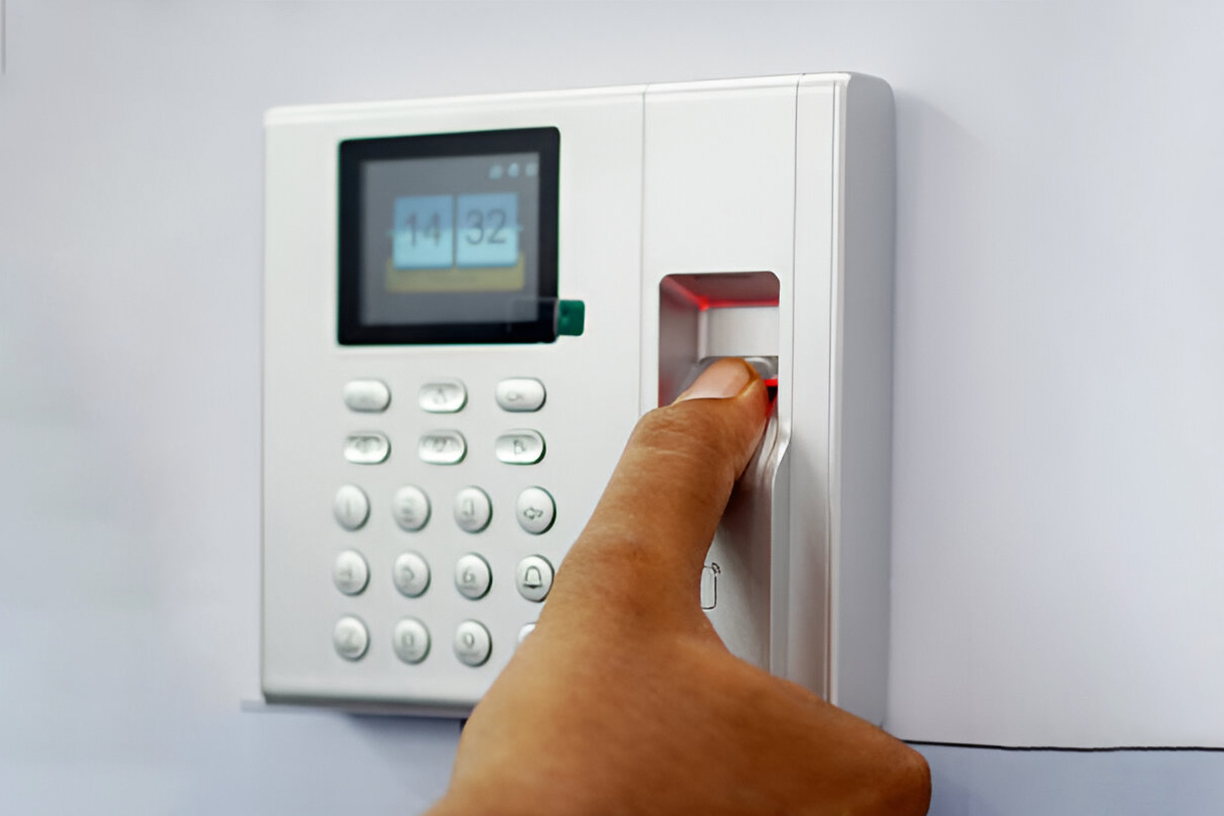
CCTV cameras, access control panels and other connected devices are often installed with default passwords and never updated, which makes them an easy way into your network. Change default credentials, update firmware and keep these devices on their own network segment. Our integrated security team secures every installation this way, and you can read more in 5 Signs Your Business CCTV System Needs an Upgrade.
9. Give people only the access they need
Not everyone needs access to everything. Limit admin rights, review who can reach finance and customer data, and disable accounts on the day someone leaves. The same principle applies to your doors: see our guide to choosing an access control system.
10. Have a plan for when things go wrong
Decide in advance who to call, how to isolate an infected device and how to restore from backup. Keep the plan printed, because your computers may not be available during an incident.
Under Kenya's Data Protection Act, 2019, a breach involving personal data may also need to be reported to the Office of the Data Protection Commissioner, so make sure the plan covers who handles that.
Where to start
You don't need to do everything at once. If you only do three things this week, turn on two-step verification for email and banking, set up tested backups, and brief your team on phishing. Together these stop the most common attacks.
For a clear picture of where your business stands, our cyber security services include security assessments, penetration testing, endpoint and network protection, and ongoing monitoring. Talk to our team for a free consultation.